How to verify apostille UK certificates in minutes
By Jeremy Arhab, Founder · Published 22 August 2026 · Updated 22 August 2026
Quickly verify your UK apostille certificates online for free. Use the official government service to get instant results and save time!

To verify a UK-issued apostille, go straight to the official government verification service at gov.uk/verify-apostille. This is the authoritative method for checking both paper and electronic apostilles, and it's free to use. You'll need two pieces of information taken directly from the certificate:
- The apostille number
- The exact issue date
Enter both, submit the query, and the result appears instantly. There's no queue, no phone call, no waiting on hold. Once you get a result, save a screenshot or export the confirmation as a PDF. If you're sending the document on to an employer, embassy, or overseas registrar, that saved proof often saves a second round of questions later.
Key Takeaways
Verifying a UK apostille takes under a minute using the official government service, provided you enter the exact apostille number and issue date.
| Point | Details |
|---|---|
| Use the official checker | Only Gov is the authoritative source; it's free and instant. |
| Two details required | You need the exact apostille number and issue date, copied precisely from the certificate. |
| Save your proof | Screenshot or export the confirmation as a PDF for your records or the recipient. |
| Verification has limits | It confirms the apostille is genuine, not that the underlying document's contents are accurate. |
| e-Apostilles need extraction | Locate the reference inside the PDF's cover sheet or attachment; flattened scans won't work. |
| Get help if stuck | My Notary can prepare verification-ready, text-selectable PDFs and handle the notarisation step beforehand. |
Table of Contents
- What you need from the certificate to verify apostille UK documents
- How do I check apostille authenticity UK using the official tool?
- What does apostille verification actually confirm?
- Verifying an e-Apostille: extracting the reference from a PDF
- What to do if the verification check fails
- Why the verification step gets skipped when it shouldn't
- Getting your documents apostille-ready with My Notary
- Authoritative links and guidance pages
- Sources
- FAQ
What you need from the certificate to verify apostille UK documents
Every apostille, whether it's a paper certificate stapled to your document or a digital e-Apostille, carries a unique reference number and an issue date. On a paper apostille, these usually sit near the top of the certificate, close to the official stamp and the registrar's signature block. On an e-Apostille, the same details appear on the certificate page embedded within the PDF, sometimes on a cover sheet ahead of the main document.
The most common reason a check fails isn't a fake certificate. It's a typing error. A trailing space, a truncated reference number, or a date entered in the wrong format (day/month/year versus month/day/year) will all return a "not found" result even when the apostille is perfectly genuine.
- Copy the apostille number character by character rather than retyping it from memory.
- Check the date format matches what the verification tool expects.
- Watch for similar-looking characters (the letter O versus the number 0) in longer reference strings.
Pro Tip: Zoom into a scanned copy of the certificate before typing anything. Reference numbers are often ten or more characters long, and a single misread digit is the most common cause of a failed check.
How do I check apostille authenticity UK using the official tool?
The verification process itself takes under a minute once you have the right details to hand.
- Go to gov.uk/verify-apostille and locate the input fields on the page.
- Enter the apostille number exactly as it appears on the certificate.
- Enter the issue date in the format the tool requests.
- Submit the query and wait for the result to load.
You'll get one of three outcomes:
- Valid — the service confirms the apostille is genuine and displays details such as the issue date and signatory name.
- Not found — the reference number or date doesn't match any record. This usually points to a data entry error rather than a fraudulent certificate.
- Error or timeout — a technical hiccup on the service side. Wait a few minutes and try again before assuming anything is wrong with the certificate.
Once you get a valid result, take a screenshot or print the confirmation to PDF straight away. Verification results aren't always stored permanently at a fixed link you can revisit, so capturing the proof at the point of checking is the safest habit. This matters particularly if you're forwarding the document to a third party who might want to see the check for themselves rather than take your word for it.
What does apostille verification actually confirm?
A successful check on the official verification service typically returns three things: the issue date, the name of the signatory who authenticated the document, and a confirmation that the certificate is validly registered. That's a meaningful confirmation, but it has a specific scope.
Verification confirms the apostille itself is genuine and correctly registered. It does not verify the truthfulness of whatever is written inside the underlying document. A birth certificate, degree, or power of attorney could carry a perfectly valid apostille while still containing errors or being outdated for its intended purpose. The government's own legalisation guidance makes this distinction clear: the apostille certifies the signature, seal, or stamp on a document, not the accuracy of its contents.
For employers, visa officers, or overseas agents relying on a UK document, that distinction matters in practice.
- Save the verification confirmation alongside the document itself, not as a separate, easily lost file.
- Cross-check the underlying document's contents through the normal channels you'd use for any official paperwork.
- Don't treat a "valid" apostille result as proof that everything on the document is current or accurate.
Verifying an e-Apostille: extracting the reference from a PDF
E-Apostilles are increasingly common because they remove the need to post physical documents internationally, a shift the Hague Conference's e-APP initiative has actively encouraged among member states. But finding the reference number inside a PDF trips people up more often than the paper equivalent.
- Open the PDF in a standard reader such as Adobe Acrobat rather than a browser preview, which sometimes hides attachments.
- Check for a separate cover sheet or an attached certificate page within the file. This is where the reference number and issue date usually sit.
- Copy the reference and date directly from the text, rather than retyping what you read on screen.
- Paste both into the verification tool fields exactly as copied.
If the PDF is a flattened scan or an image file, you won't be able to select or copy the text at all. In that case, text extraction simply won't work, no matter how carefully you try.
Pro Tip: If you've received a scanned e-Apostille rather than a native, text-selectable PDF, ask the issuer for a fresh digital copy. A flattened scan strips out the very data layer the verification process depends on.
What to do if the verification check fails
A "not found" result rarely means the apostille is fraudulent. In the overwhelming majority of cases, it means a detail was entered slightly wrong.
Work through this checklist before assuming the worst:
- Re-enter the apostille number, checking for extra spaces before or after the string.
- Try the date in an alternative format, in case day and month were transposed.
- Confirm you're looking at the certificate itself, not a covering letter or a different attached document.
- Zoom in on the original to rule out misread characters like 1 and I, or 0 and O.
If everything checks out and the service still returns "not found," the next step is contacting the office that issued the apostille to confirm the reference is correctly recorded. Genuine registration errors do happen occasionally, though they're uncommon.
If you're dealing with a document that needs fresh notarisation, a verification-ready PDF, or apostille preparation from scratch, My Notary can help extract the correct reference details, prepare a properly formatted certified copy, or arrange the notarisation step that often precedes an apostille application.
Why the verification step gets skipped when it shouldn't
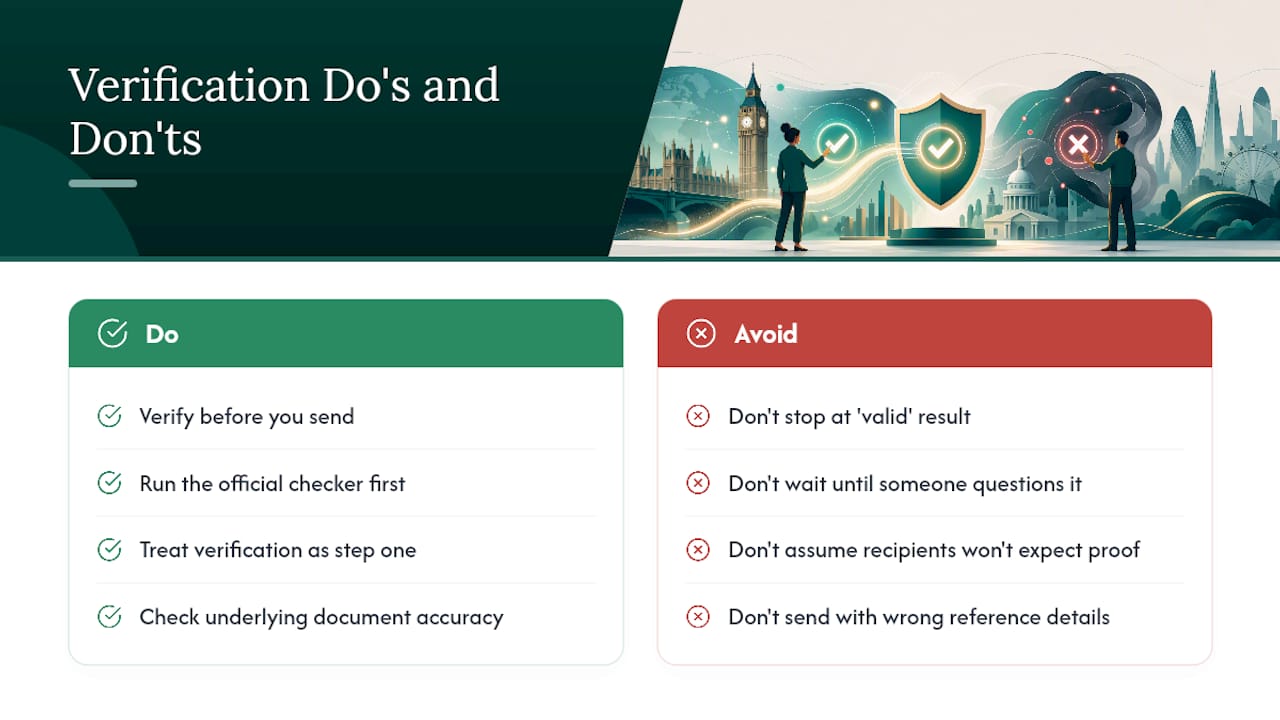
Most guidance on apostilles focuses heavily on how to get one issued and barely mentions checking one once it lands in your inbox. That's backwards. Anyone can produce a document that looks official, and a convincing forgery costs the recipient far more time to unpick than the thirty seconds it takes to run a genuine certificate through the official checker.
The bigger blind spot, in my view, is treating a "valid" result as the end of due diligence. It confirms the apostille is real. It says nothing about whether the underlying degree certificate, power of attorney, or company document is still accurate or fit for purpose. Recipients, particularly employers and overseas registrars, would do better to treat verification as step one of two, not the whole job.
If you take one thing from this guide, make it this: verify before you send, not after someone questions it. Recipients increasingly expect to see that proof rather than assume it. Getting the reference details right the first time, especially with e-Apostilles buried in PDF attachments, saves everyone a frustrating back-and-forth.
Getting your documents apostille-ready with My Notary
Verification only works smoothly when the certificate details are clean, complete, and properly formatted in the first place, and that starts before the apostille is even issued. My Notary handles the notarisation step online, by secure video call, so the document you eventually submit for legalisation comes out as a text-selectable PDF rather than a flattened scan that trips up e-Apostille verification later.
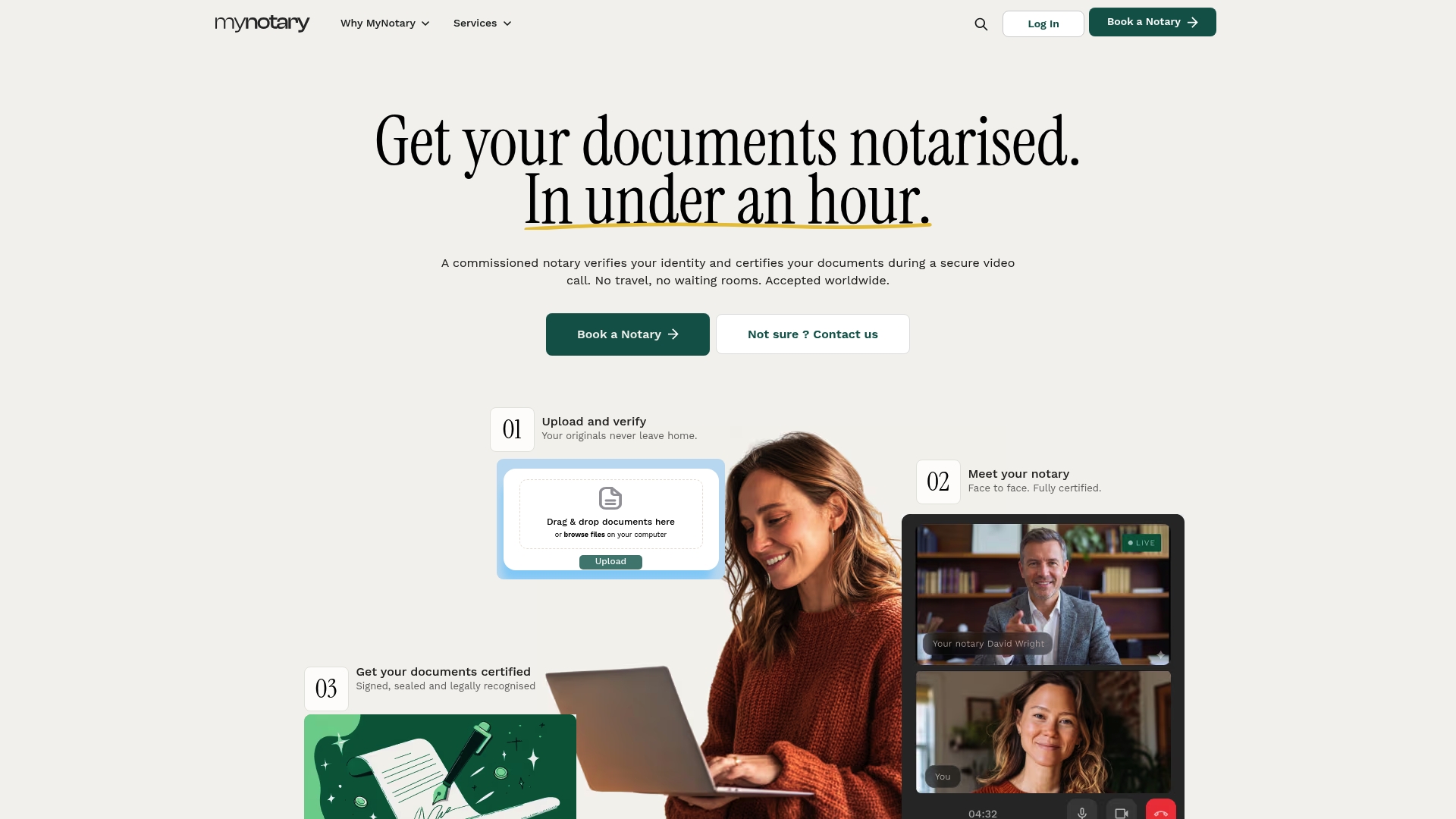
The service covers biometric identity checks, electronically signed documents recognised in over 180 countries, and certified digital or physical delivery, with most notarisations completed within about an hour. That's relevant if you're preparing a power of attorney, a certified copy, or an academic transcript for an apostille application and want to avoid the scanned-PDF problem later. If you need a document notarised and properly formatted before it goes for legalisation, book an online signature notarisation and get a verification-ready PDF back the same day.
Authoritative links and guidance pages
- Legalisation guidance for documents used abroad
- Hague Conference — Apostille section
- Verify an Apostille — National Archives record
Sources
FAQ
How can I check if an apostille is valid in the UK?
Use the official verification service at gov.uk/verify-apostille, entering the apostille number and issue date exactly as shown on the certificate. The result appears instantly and confirms whether the certificate is genuinely registered.
How do I get an apostille on a document in the United Kingdom?
You apply through the government's legalisation process, which attaches either a paper apostille or issues an e-Apostille depending on the document type; some documents aren't eligible for the electronic version. If you need the document notarised first, My Notary can complete that step online before you submit it for legalisation.

What does a UK apostille look like?
A paper apostille is a certificate attached to the document, carrying an official stamp, a signatory's details, an issue date, and a unique reference number. An e-Apostille carries the same information but sits digitally within a PDF, often on a separate cover sheet or attached certificate page.
Why did my apostille verification come back as "not found"?
This almost always points to a data entry error, such as an extra space, a mistyped character, or a date entered in the wrong format, rather than a fraudulent certificate. Re-check the reference number and date carefully against the original before contacting the issuing office.
Can My Notary verify an apostille for me?
My Notary doesn't run the official government check itself, but it can help extract the correct reference number and issue date from an e-Apostille PDF and prepare properly formatted, verification-ready documents ahead of your legalisation application.
Recommended
Got questions? We’re on it.
Most questions are answered here, drawn from what people actually ask before booking. If yours isn’t, our team is in chat.
Use the official verification service at gov.uk/verify-apostille, entering the apostille number and issue date exactly as shown on the certificate. The result appears instantly and confirms whether the certificate is genuinely registered.
Last updated: